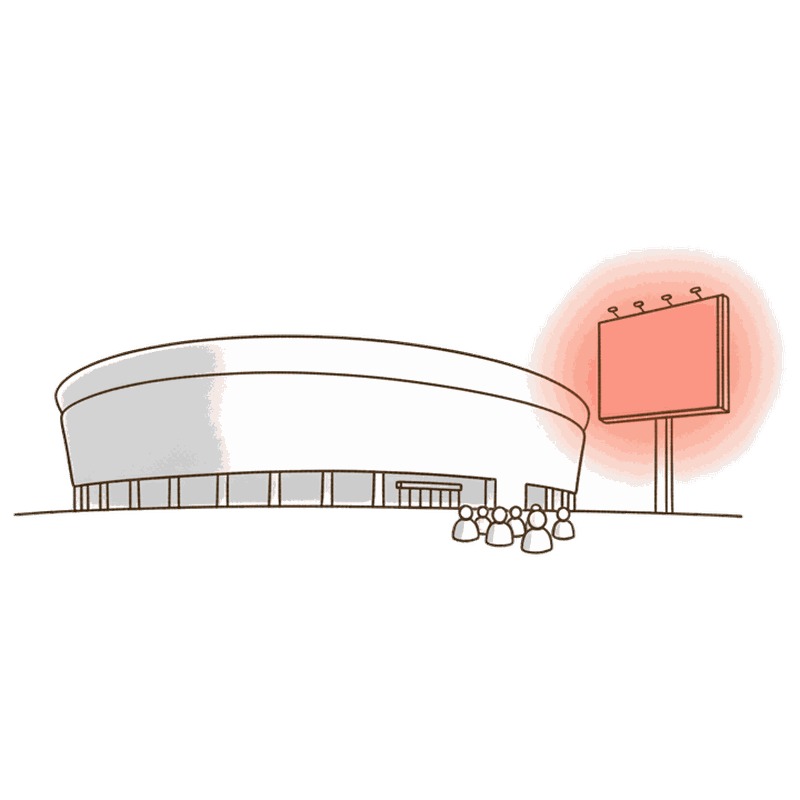
Why game day is a DOOH moment
A stadium or arena turns an ordinary patch of a city into a fixed, predictable crowd for a few hours, many times a season. Unlike most out-of-home audiences, which build up gradually across a whole day, a game-day crowd arrives inside a narrow, known window: the schedule is public months in advance, so you know almost exactly when the streets around the venue fill and empty. That predictability is what makes the moment worth planning around, rather than buying broad city coverage and hoping some of it lands near the game.
The audience is also unusually attentive at the edges of the event. In the hour or two before the gates open, people are walking, queuing and waiting, with little else to look at; in the minutes after the final whistle or buzzer, the same crowd pours back onto the same streets, looking for the exit, a ride or a bar. Those arrival and departure windows carry more attention per screen than an ordinary commute, because the audience is concentrated in one place and has nowhere else to be for those few minutes. For the basics of scheduling any audience like this, see planning and buying; for how digital out-of-home works in general, start with what is DOOH.
None of this requires a relationship with the venue, the league or the teams playing. The screens near a stadium are ordinary out-of-home screens, owned by local media operators, sitting on public or commercial property nearby. Booking one for game day is the same self-serve flow as booking any other billboard: pick the screen, set the hours, publish.
Where the screens are
A game-day plan is built from three rings around the venue, each catching the crowd at a different point in the day. You do not need every ring for every campaign, but knowing them keeps the plan from collapsing into one all-day buy on whichever screen is easiest to find on the map.
| Ring | Where it sits | What it catches |
|---|---|---|
| Venue approach | Plazas, entrance gates and parking structures right outside the venue | The walk-in crowd in the hour or two before the gates open |
| Transit and route | The transit lines, park-and-ride corridors and main roads that feed the venue | Commuters and drivers on the way in and the way home |
| Bars and fan zones | Screens in and around sports bars, fan zones and watch-party areas near the venue or across town | The crowd that gathers to watch together, before, during and after |
Every market has its own layout, so the map is where a plan actually gets built: open browse screens and look at what sits within walking distance of the venue you care about, then widen out to the routes and the bars. If you would rather start from a one-line brief, Blinky, the free AI planner, will propose the screens for a given venue and game.
Timing it right
A game-day audience does not sit still, so the screen schedule should not either. The same screen that is empty at 2pm can carry the busiest window of the week at 6pm, and the plan only works if the hours are set to match. Here is how a typical game day breaks down, and which windows are worth buying.
| Window | When | Who's out | Buy it? |
|---|---|---|---|
| Pre-game arrival | Roughly 2 to 3 hours before the start | Fans walking in, parking, queuing at the gates | Yes, a core window |
| In-game concourse | Breaks in play: halftime, intermission, between periods | Concession and restroom crowds moving through the concourse | Optional, short but concentrated |
| Post-game departure | Roughly 30 to 60 minutes after the final whistle or buzzer | The exit surge leaving all at once | Yes, usually the busiest single window |
| Non-event hours | Any time without a scheduled game nearby | Ordinary local traffic, if any | Skip it for a game-day budget |
Because Blindspot schedules per screen down to the hour, none of this needs a separate booking for each window. You set the arrival, concourse and departure hours once on each screen, and the platform runs the creative only inside them.
Open the map and pick screens in three rings: right outside the venue, plazas, entrances and parking, along the transit lines and roads that feed it, and in the sports bars and fan zones nearby. Each ring catches the crowd at a different point in the day.
Schedule the venue-approach and route screens to the arrival window, roughly two to three hours before the start, when the crowd is walking in, parking and queuing at the gates.
Layer in the shorter concourse window during breaks in play, and the post-game departure window, roughly the 30 to 60 minutes after the final whistle or buzzer, when the exit surge leaves all at once.
Attach a countdown to the scheduled start, a weather-aware message, or a live-score version where a feed is available, then track the campaign on verified plays and foot-traffic lift.
The hourly scheduling guide goes deeper on setting these windows per screen, and your first campaign covers the booking flow end to end.
Contextual creative for game day
A static message can carry a game-day campaign, but a digital screen can do more, because the creative is a file, not paint, and it can react to the moment instead of guessing at it in advance. A few contextual moves suit game day well, and none of them requires naming a team, a league or a specific match.
Countdowns. A dynamic value can count down to the scheduled start, kickoff, tip-off, puck drop or first pitch, so the same board reads "doors in 40 minutes" on its own clock, no live feed required, just the time you set.
Weather-aware messages. The same triggers used anywhere else on Blindspot, weather, temperature, air quality, apply just as well outside a venue: a rain-ready message when it is wet, a cold-weather line when the temperature drops, without touching the creative by hand.
Rivalry-neutral, generic examples. Because a screen near a venue serves everyone walking past, a game-day message tends to work best when it celebrates the day itself rather than picking a side, for example a plain "game day" line, a countdown, or a location-aware note about the walk from the screen to the gates. That keeps the creative useful across different games and different crowds on the same screen. See creative rotation strategies for keeping several versions fresh across a season, and the design guide for the layout side of a board read at a glance.
Live-score style creative. Where a live data feed is available for a given league or venue, a custom live-data rule can update a screen with a score or a similar live value; where no feed is available, keep the same benefit with a countdown or a scheduled dayparted sequence instead. Treat this as feasible on a case-by-case basis, not a guarantee for every fixture.
Game day is the one crowd you can schedule weeks ahead.
Why the format fits the moment
Budget that scales with the event
Game-day advertising has a reputation for needing a big budget, largely because in-venue sponsorship, naming rights and broadcast placements are priced and sold that way. Screens near the venue are a different market entirely: priced per play, the cost of one ad appearance on one screen, with no minimum spend and no sales call required.
3M+
screens live on any game day
50+
countries with a screen near a venue
$0.23
average cost per play in urban markets
$40
where self-serve starts
That is what lets a local sponsor and a national brand run the same mechanics at very different sizes. A local business can book a handful of screens around one venue for one game for a modest budget, timed to the arrival and departure windows. A national brand can run the identical plan across many venues and many games over a season, on the same map, the same per-play price, and the same hourly schedule, just with more screens attached. See billboard costs for the format-by-format picture, and DOOH by industry for how other verticals apply the same self-serve mechanics. When you are ready, start building or let Blinky draft the first plan from a one-line brief.